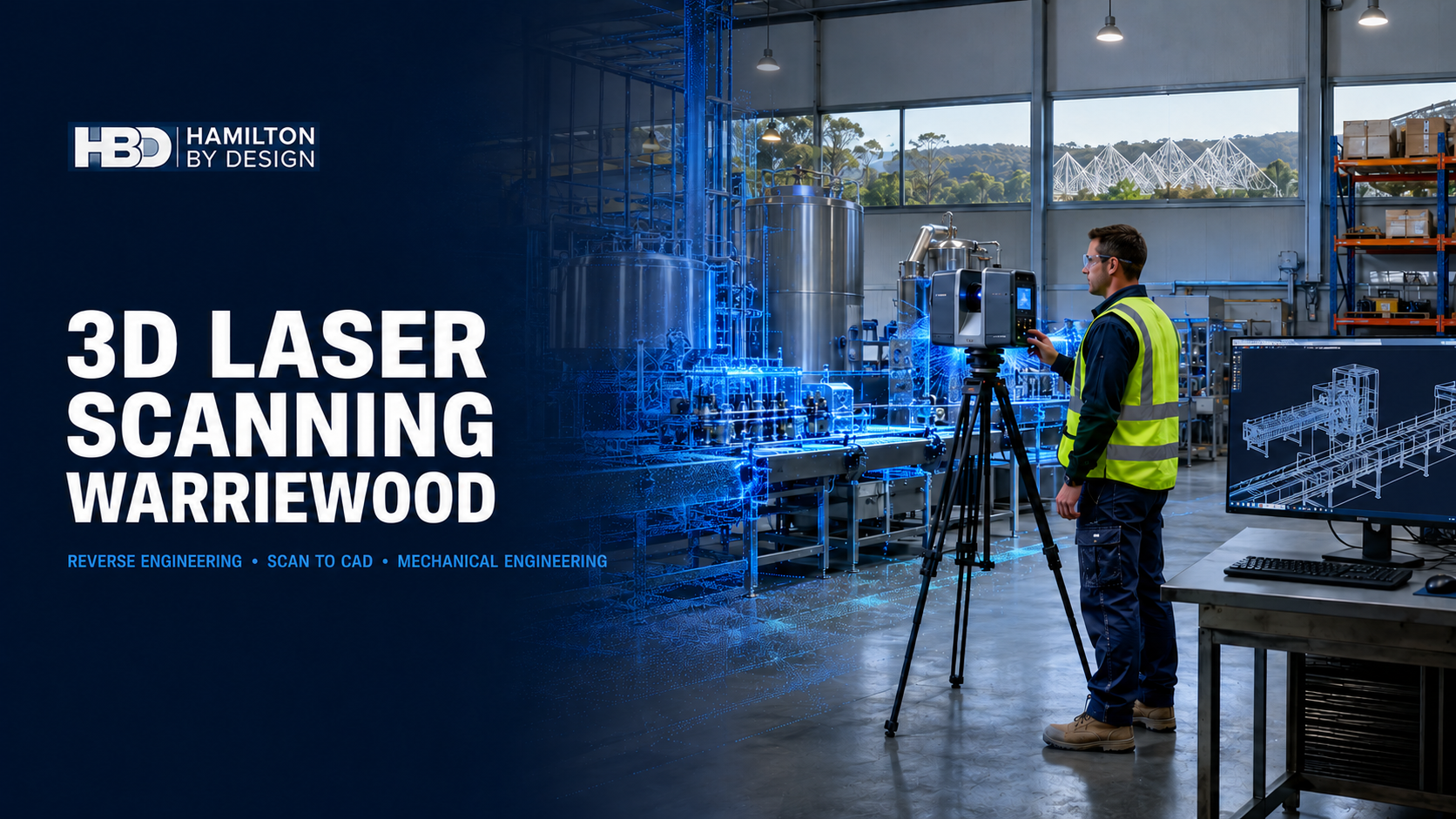
3D Laser Scanning Warriewood and Engineering Support for Mona Vale Industry

The Warriewood and Mona Vale industrial area is an important employment precinct on Sydney’s Northern Beaches. Although the region is better known for its beaches, residential neighbourhoods and natural environment, it also supports light manufacturing, food-processing technology, electronic products, industrial equipment suppliers, workshops, warehousing and specialised technical businesses.
These operations depend on factories, machinery and physical components that must be maintained, modified and periodically replaced. However, the engineering information needed to undertake that work is not always complete. Original drawings may be unavailable, machinery may have been modified without documentation, and imported replacement parts can be difficult to obtain.
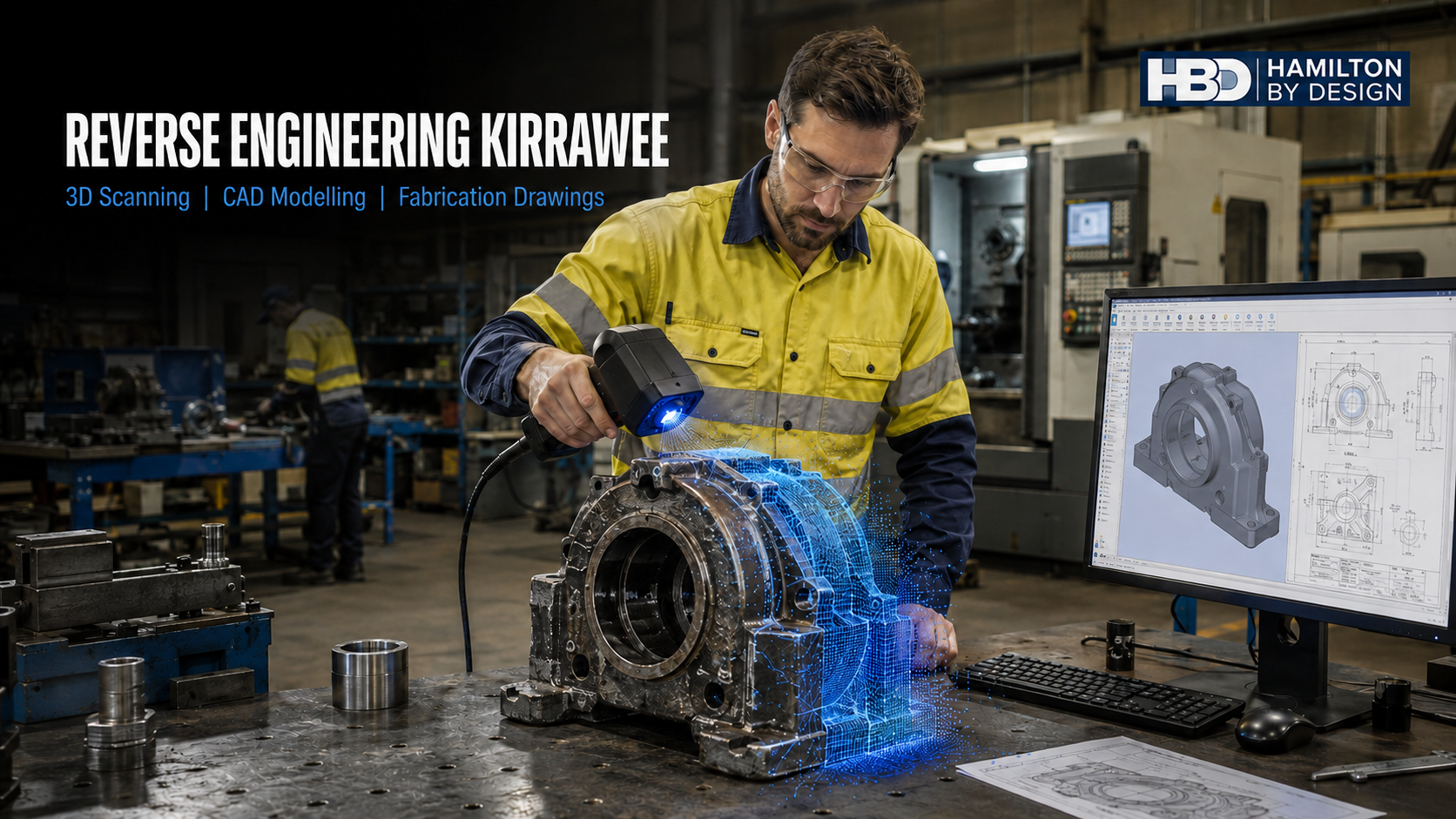
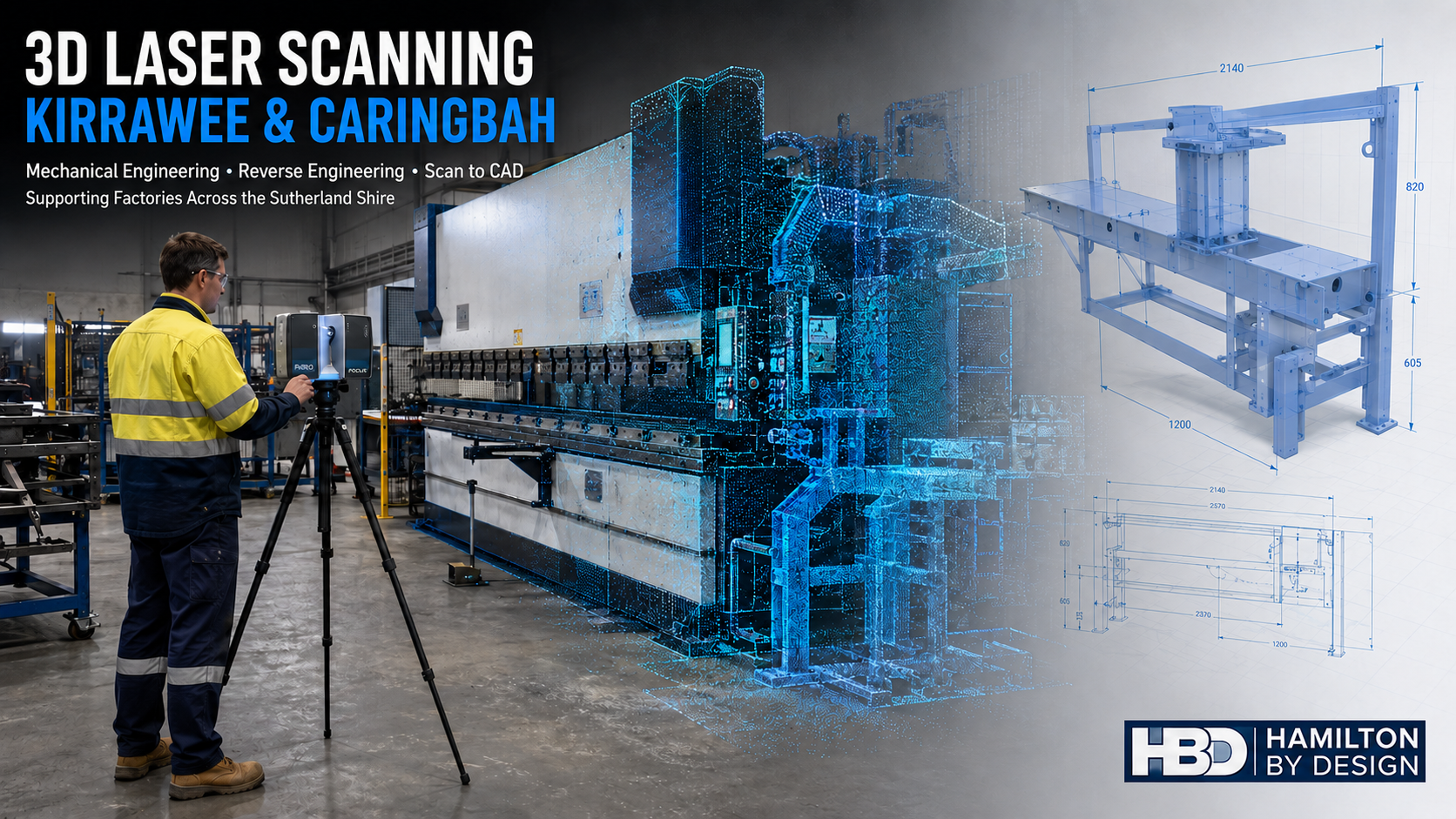
Hamilton By Design provides 3D scanning services in Sydney to help businesses capture existing facilities, machinery and equipment. The resulting point clouds and CAD models can support reverse engineering, factory modifications, equipment relocation, fabrication and long-term asset documentation.
A distinctive Northern Beaches industrial precinct
Warriewood and Mona Vale differ from the large industrial estates of Western Sydney. The precinct contains a mixture of factories, technical businesses, warehouses, workshops, offices and residential development within a relatively constrained coastal area.
Northern Beaches Council describes the regional economy as a combination of established industrial zones, manufacturing businesses, small and medium enterprises, “micro innovators” and global companies. Warriewood contributes to this economy through a concentration of businesses around Jubilee Avenue, Daydream Street, Apollo Street, Ponderosa Parade and the surrounding industrial streets.
The precinct includes health-products production and distribution, food-processing machinery, electronics manufacturing, audiovisual technology, fabrication equipment, machinery servicing and warehouse operations. Businesses range from major facilities to smaller specialist workshops occupying strata industrial units.
At the same time, Warriewood Valley has undergone substantial residential and commercial growth. Northern Beaches Council states that the wider land-release area now covers approximately 195 hectares and anticipates 2,544 dwellings together with community infrastructure and employment-generating development.
This changing land-use pattern creates engineering challenges. Industrial operators must use their available floorspace efficiently while managing access, noise, drainage, delivery movements, equipment safety and their interfaces with surrounding properties.
From “Glass City” to a modern technology and industrial area
One of the most interesting aspects of Warriewood is its agricultural history.
During the middle of the twentieth century, Warriewood Valley was known as “Glass City” because approximately 3,500 glasshouses covered the area at the peak of production between 1947 and 1954. Many were used to grow tomatoes by migrant families from Italy and the former Yugoslavia.
This history remains visible in the names of local streets. Jubilee, Daydream, Apollo, Ponderosa and Prosperity were tomato varieties grown in Warriewood. Today, these names are associated with business premises, warehouses and industrial operations, but they preserve a direct connection to the valley’s earlier production economy.
Warriewood also contains an important environmental feature. The 26-hectare Warriewood Wetlands is described by Northern Beaches Council as the largest remaining low-lying freshwater sandplain ecosystem in northern Sydney. The wetlands contribute to flood mitigation, nutrient recycling and sediment filtration.
The relationship between industrial land, residential development, creeks and wetlands makes Warriewood unusual. Factory and warehouse projects may need to consider flooding, stormwater, equipment elevations, external access and environmental interfaces alongside normal production requirements.
Industrial operations in Warriewood and Mona Vale
The local business base demonstrates the range of engineering requirements that can arise within the precinct.
The Blackmores campus in Warriewood combines offices, production and distribution. Published information about the site describes a 25,000-square-metre facility, storage for approximately 5,000 pallets, a production and distribution operation running 24 hours a day for six days each week, and thousands of weekly shipments.
CBS Foodtech supplies and supports machinery used in food manufacturing. Its applications centre includes processes such as mincing, mixing, filling, cutting, slicing, cooking, smoking and packaging. These operations involve complex machinery, cleaning requirements, product flow, conveyors, access and guarding.
Pivot Electronics designs and manufactures electrical products for rail, utilities, industrial automation, mining, solar and telecommunications applications. Product-based businesses of this kind may require mechanical enclosures, brackets, mounting systems, prototype parts and controlled CAD records.
Amber Technology operates warehouse, service and technical-support activities for professional audiovisual, communications, security and entertainment equipment. Power Machinery Australia, based in Mona Vale, supplies and services equipment such as bandsaws, press brakes, guillotines, fibre lasers, folding machines and workshop machinery.
These companies are examples of the precinct’s industrial character and are not represented as existing Hamilton By Design clients. They illustrate the types of local operations that may benefit from engineering services across Sydney.
Why existing-condition information matters
An engineering project is only as reliable as its starting information.
Factories commonly change over time. Machines are moved, platforms are added, pipework is rerouted and storage areas are reorganised. When these modifications are not incorporated into the facility drawings, later projects may be designed from information that no longer represents the actual installation.
Manual measurement can provide individual dimensions, but it may not adequately record the relationships between machinery, structures, services and access routes. Missed dimensions can cause fabrication errors, installation delays or the need for site modifications.
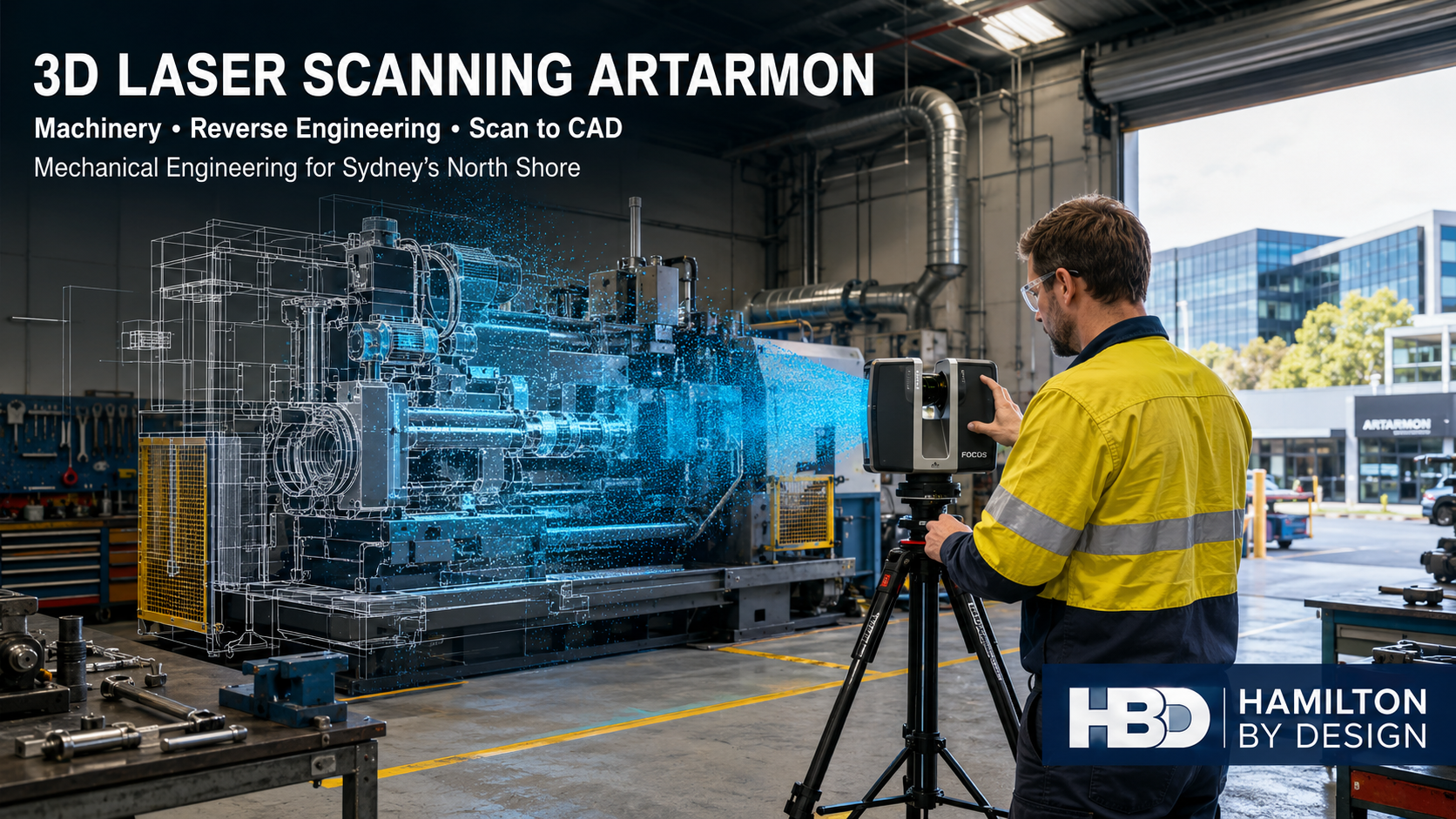
Hamilton By Design provides industrial 3D scanning in Sydney to capture the observable condition of a facility. A registered point cloud can record:
- machinery positions;
- floor and equipment levels;
- building columns;
- access platforms;
- conveyors;
- storage areas;
- door openings;
- services and pipe routes;
- equipment clearances; and
- surrounding structures.
The point cloud becomes a reference dataset from which plans, elevations, sections and three-dimensional models can be developed.
Factory scanning Warriewood
Factory scanning is particularly useful in Warriewood because many businesses operate within relatively constrained premises. New equipment may need to fit around existing machinery, racking, fire services, columns and production areas.
A scan can support the investigation of machinery footprints, maintenance access, operator space and installation routes before equipment is purchased or fabricated. It can also help determine whether an assembled machine can pass through an existing opening or whether it must be delivered in separate modules.
Hamilton By Design’s 3D laser scanning for industrial plants connects reality capture with practical engineering requirements. The objective is not merely to create a visual point cloud. It is to produce information that can assist designers, fabricators, installers and asset owners.
For larger areas, Hamilton By Design can use a FARO Focus S70 terrestrial laser scanner. Smaller components and detailed product geometry may be captured using a component scanner. The appropriate method depends on the size of the subject, required accuracy, surface condition and intended deliverable.
Scan to CAD Warriewood
A point cloud contains large quantities of spatial information, but it is not automatically a fabrication or manufacturing model. Engineering interpretation is required to convert the captured surfaces into suitable CAD geometry.
Through point-cloud-to-CAD services, Hamilton By Design can create:
- simplified equipment models;
- factory layouts;
- machinery envelopes;
- existing-condition drawings;
- mechanical assemblies;
- fabricated components;
- equipment interfaces; and
- installation models.
The required level of detail should be established at the start of the project. A model intended for spatial coordination does not necessarily require every fastener and small feature. A model intended for component manufacture requires greater attention to datums, functional surfaces, tolerances, fits and material requirements.
Hamilton By Design’s broader scan-to-CAD services in Sydney can provide outputs including STEP, Parasolid, DXF, PDF, E57 and Autodesk ReCap-compatible files, depending on the agreed scope.
Reverse engineering Mona Vale
Industrial and workshop machinery can remain in operation for decades. During that time, original suppliers may cease trading, parts may be discontinued and machinery may be modified to suit changing production requirements.
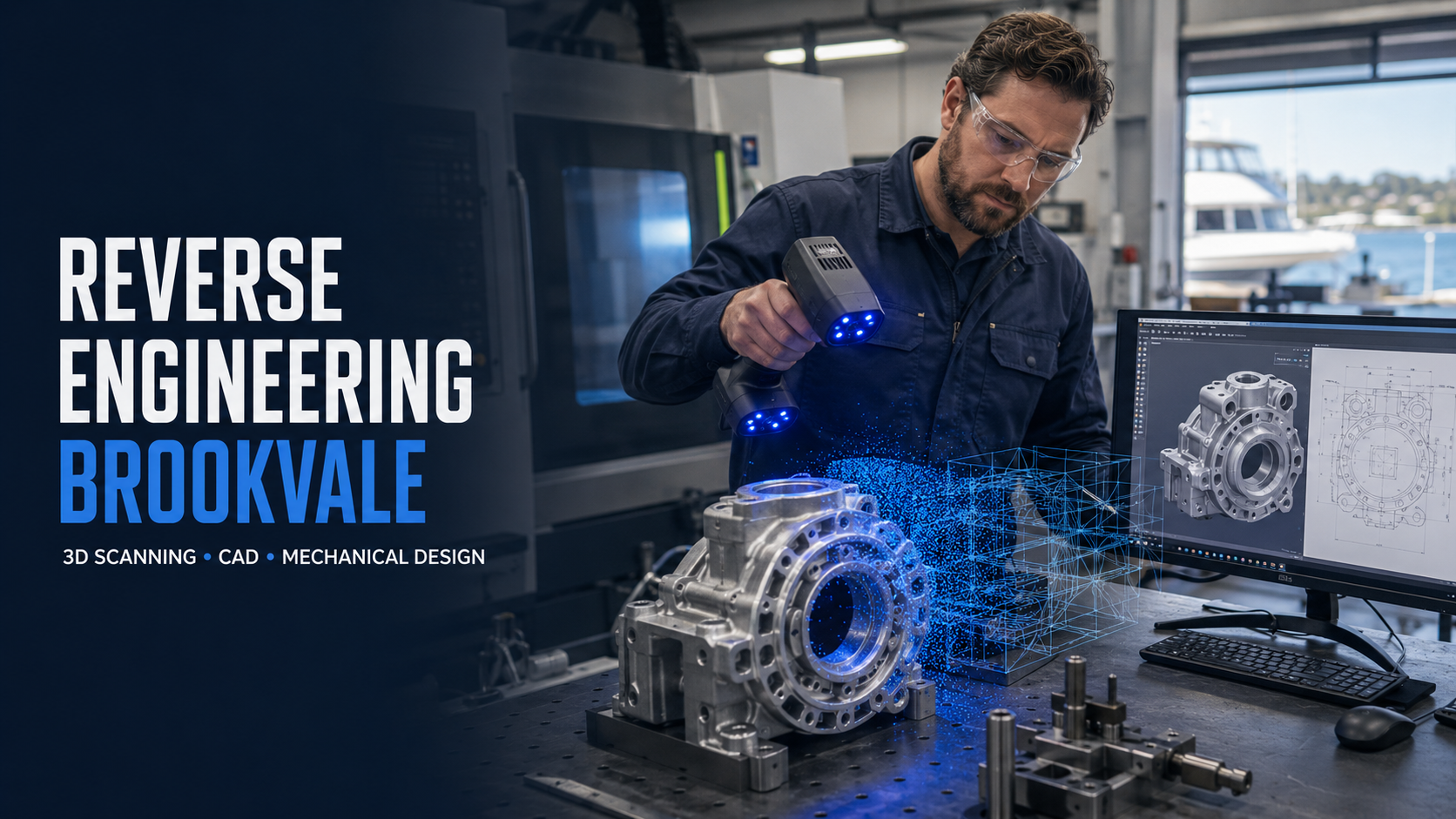
Reverse engineering and 3D scanning can help recover the geometry of an existing component. Potential examples include:
- machine guards and covers;
- brackets and mounting plates;
- shafts and couplings;
- housings;
- change parts;
- guides and product-contact components;
- fabricated transitions;
- equipment supports; and
- replacement mechanical assemblies.
The physical component is scanned and interpreted to create suitable CAD geometry. Critical interfaces may also require manual measurement or other inspection methods, especially for threads, bores, bearing seats and inaccessible features.
A scan cannot independently identify material grade, heat treatment, design load or the original manufacturing tolerance. These matters should be established through available records, testing, operating information and engineering assessment.
The completed CAD model can provide a controlled technical baseline for local manufacture, modification or future replacement.
Mechanical engineering Northern Beaches
Hamilton By Design offers mechanical engineering services in Sydney that connect existing-condition capture with practical design development.
Services relevant to Warriewood and Mona Vale may include:
- machinery and equipment design;
- reverse engineering;
- conveyor and materials-handling modifications;
- equipment bases and support frames;
- maintenance-access improvements;
- machine guarding;
- lifting-device design and verification;
- production-layout studies;
- static and fatigue FEA;
- wear and existing-condition studies; and
- fabrication support.
Potentially applicable standards include the AS/NZS 4024 Safety of Machinery series, AS ISO 12100 for machinery risk assessment and risk reduction, AS 3990 for mechanical equipment steelwork, AS 4100 for steel structures and AS/NZS 1554 for welded fabrication.
Platforms, walkways, stairs and ladders may require consideration of AS 1657. Lifting devices may fall within AS 4991, while cranes, hoists and their use may involve the AS 1418 and AS 2550 series.
The applicable standard depends on the machine, duty, material, hazards, site requirements and contractual scope. A standard should only be nominated after its relevance to the particular project has been established.
Mechanical drafting and fabrication documentation
A three-dimensional model communicates shape, but manufacturers also require clearly defined production information.
Hamilton By Design provides mechanical drafting services in Sydney for:
- general arrangement drawings;
- component and machining drawings;
- fabrication drawings;
- welded assemblies;
- sheet-metal details;
- flat patterns;
- bills of materials;
- exploded assemblies;
- equipment layouts;
- installation drawings; and
- as-built records.
Technical drawings may be prepared with reference to AS 1100.101 for general drawing principles and AS 1100.201 for mechanical engineering drawing. Steelwork drawings may also need to reflect AS 3990, AS 4100, AS/NZS 1554 and the client’s fabrication requirements.
Dimensions, tolerances, materials, finishes, welds, datums and inspection requirements should be defined according to the intended manufacturing process. A scan-derived model should not be issued for manufacture without suitable review and engineering interpretation.
Hamilton By Design also offers 3D scanning for fabrication in Sydney, helping fabricators design against actual installation interfaces rather than incomplete or assumed dimensions.
Machinery safety and guarding
The Warriewood–Mona Vale precinct contains food-processing machinery, metalworking equipment, production machinery, conveyors and workshop plant. These assets can introduce cutting, crushing, drawing-in, entanglement, impact and ejection hazards.
Hamilton By Design can provide machine-guarding assistance including machinery surveys, fixed and removable guarding concepts, access layouts and fabrication drawings.
Three-dimensional scanning can record the actual positions of drives, frames, control panels, access platforms and surrounding obstructions. This allows guarding to be developed around the real installation.
A suitable risk review should consider:
- normal operation;
- cleaning;
- adjustment;
- fault finding;
- maintenance;
- foreseeable misuse;
- isolation requirements;
- guard removal; and
- safe access.
The AS/NZS 4024 series and AS ISO 12100 provide important guidance for machinery risk reduction. SafeWork NSW’s plant code also requires hazards to be identified and risks eliminated or minimised so far as reasonably practicable.
Specialist electrical, functional-safety, hazardous-area, food-hygiene or fire-engineering input may be required in addition to the mechanical scope.
Production and logistics improvements
Warriewood includes significant warehouse and distribution activity. Common issues include congested storage, inefficient picking routes, limited loading space and interaction between vehicles and pedestrians.
Hamilton By Design’s manufacturing layout design services can use scanned existing conditions to investigate:
- machinery placement;
- pallet and storage areas;
- conveyor routes;
- pedestrian access;
- forklift movements;
- maintenance clearances;
- loading and unloading areas;
- emergency access; and
- future production expansion.
Steel storage racking may require consideration of AS 4084.1:2023 and AS 4084.2:2023. Conveyors and powered machinery may involve the AS/NZS 4024 series. Lifting frames, spreaders and other lifting devices may require AS 4991, while cranes and hoists can involve the AS 1418 and AS 2550 series.
A digital layout allows alternatives to be compared before machinery, racks or services are physically moved.
Environmental and site risks
Warriewood’s low-lying landscape, creek system and proximity to the coast create additional considerations for industrial projects.
Potential issues include:
- surface-water entry;
- localised flooding;
- restricted stormwater routes;
- corrosion of external equipment;
- slippery access surfaces;
- environmental constraints;
- equipment installed at unsuitable levels; and
- reduced emergency or maintenance access during severe weather.
LiDAR scanning can record visible levels, drainage features, equipment positions and access routes. This information may assist further engineering, drainage or environmental assessments.
Hamilton By Design is a mechanical engineering consultancy. Specialist civil, hydraulic, structural, environmental or flood-engineering advice should be obtained where those disciplines govern the project.
Engineering data as a long-term asset
One of the enduring benefits of 3D scanning is the creation of a digital existing-condition record.
Hamilton By Design can retain agreed project information such as facility scans, equipment CAD, component geometry, drawings and dimensional records. A controlled dataset can reduce repeated site visits and provide a starting point for later modifications.
Good engineering data governance should distinguish between raw scans, working models, approved designs, fabrication revisions and final as-built information.
For smaller businesses, this approach creates greater continuity when staff, contractors or equipment suppliers change.
Frequently asked questions
What can Hamilton By Design scan in Warriewood?
Hamilton By Design can scan factories, warehouses, machinery, equipment interfaces, access systems and individual components. The selected scanning method depends on the asset size, required accuracy and intended output.
Can scanning be completed while a factory is operating?
Often it can. The scanning plan must consider moving machinery, people, restricted areas, hygiene requirements and site safety. Some areas may need controlled access or a shutdown period.
Is a point cloud the same as a CAD model?
No. A point cloud is captured spatial data. A CAD model is interpreted engineering geometry developed from that data. The modelling effort depends on the required detail and purpose.
Can Hamilton By Design reverse engineer an obsolete component?
Yes, subject to access, condition and the required accuracy. The physical geometry can be captured and reconstructed, but material properties, internal features and original design loads may require additional investigation.
Can the scan be used to check whether new machinery will fit?
Yes. Supplier models can be positioned within the scanned environment to investigate footprints, clearances, access and potential clashes before installation.
What file formats can be supplied?
Possible formats include E57, RCP, STEP, Parasolid, DXF, PDF and native SolidWorks files where included in the agreed deliverables.
Can Hamilton By Design provide fabrication drawings?
Yes. Drawings can be developed for components, guards, equipment supports, assemblies and installation arrangements. The content depends on the manufacturing process and project scope.
Can Hamilton By Design help with machine guarding?
Yes. Hamilton By Design can survey existing machinery, develop mechanical guarding concepts and prepare fabrication drawings with reference to applicable machinery-safety requirements.
Can warehouse and production layouts be developed from scans?
Yes. Point clouds can support layouts for equipment, racks, conveyors, access routes and production cells. They can also assist with relocation and future-expansion planning.
Does Hamilton By Design retain the project information?
Hamilton By Design can retain agreed facility scans, CAD models, component data, drawings and existing-condition records subject to the project’s confidentiality and data-management requirements.
Related Hamilton By Design services
Additional Sydney-wide resources include:
- 3D LiDAR Scanning and 3D Modelling Sydney
- 3D Point Cloud Modelling Sydney
- Engineering-Led Industrial Facility Scanning
- Scan-to-Design Digital Engineering Workflow
- Industrial Machinery and Plant Systems Design
- SolidWorks Mechanical Design Services
- 3D CAD Designer Sydney
- 3D Scanning and CAD Modelling Services
- Plant Production Issues Sydney
- Reality Capture Sydney
3D laser scanning Warriewood and Mona Vale
Warriewood and Mona Vale support a technically diverse group of manufacturers, equipment suppliers, food businesses, workshops, warehouses and technology companies. Their physical assets must operate within a constrained and changing coastal precinct.
Hamilton By Design can help these businesses document existing facilities, recover component geometry, plan equipment modifications and create practical manufacturing information.
By integrating 3D laser scanning Warriewood, reverse engineering Mona Vale, mechanical engineering Northern Beaches, factory scanning Warriewood and scan-to-CAD Warriewood, Hamilton By Design provides a coordinated pathway from the physical asset to controlled engineering data, CAD models and fabrication drawings.
Contact Us – Talk To Us
Our clients: